

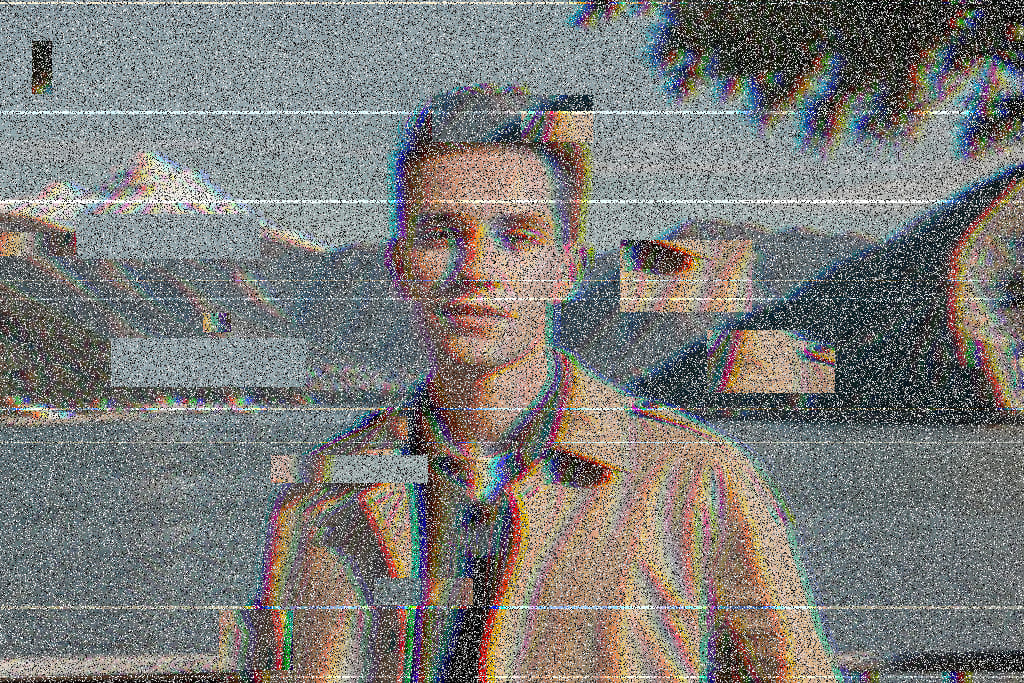
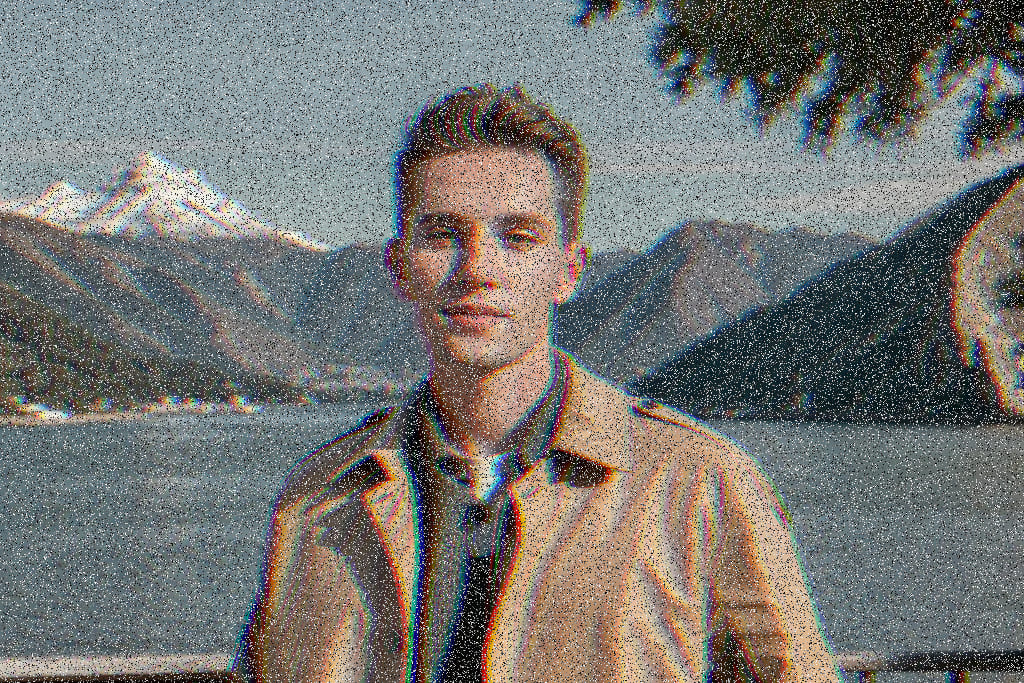
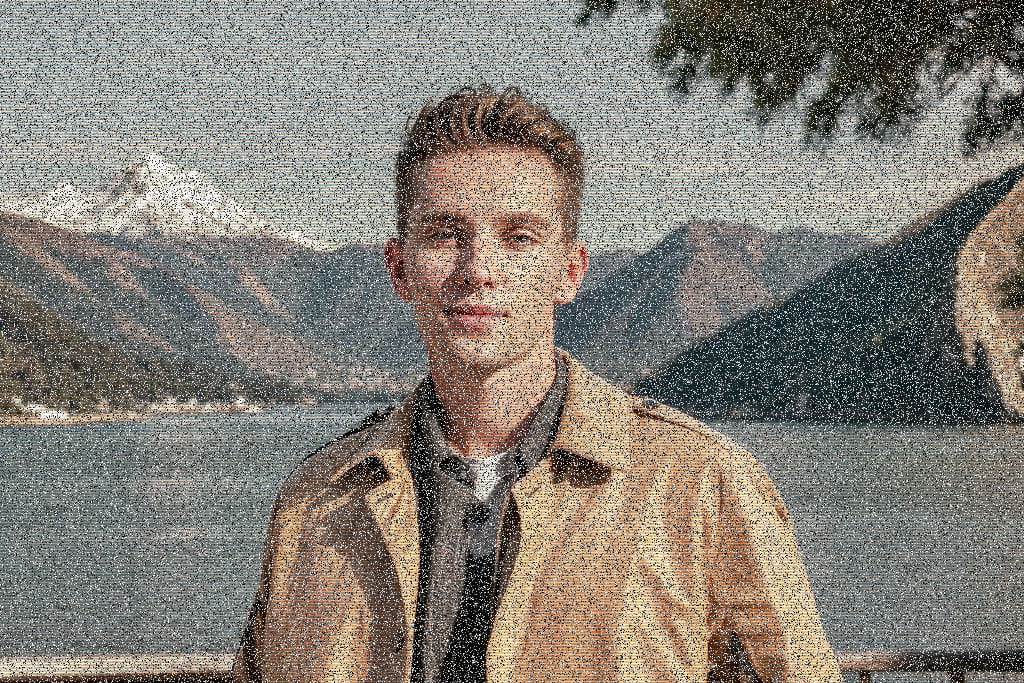
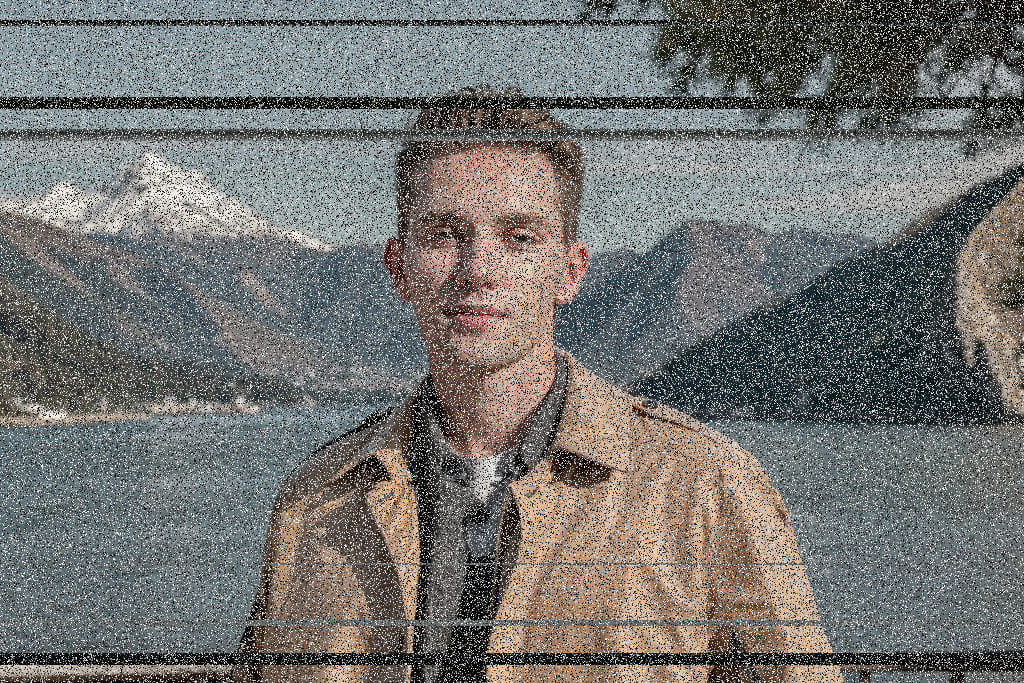
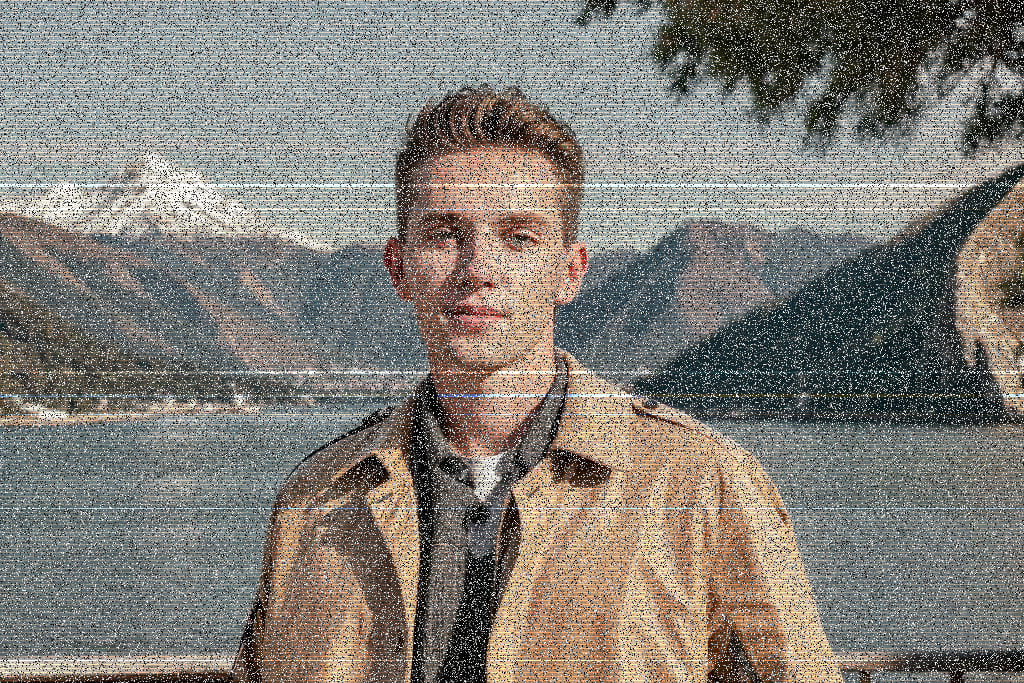
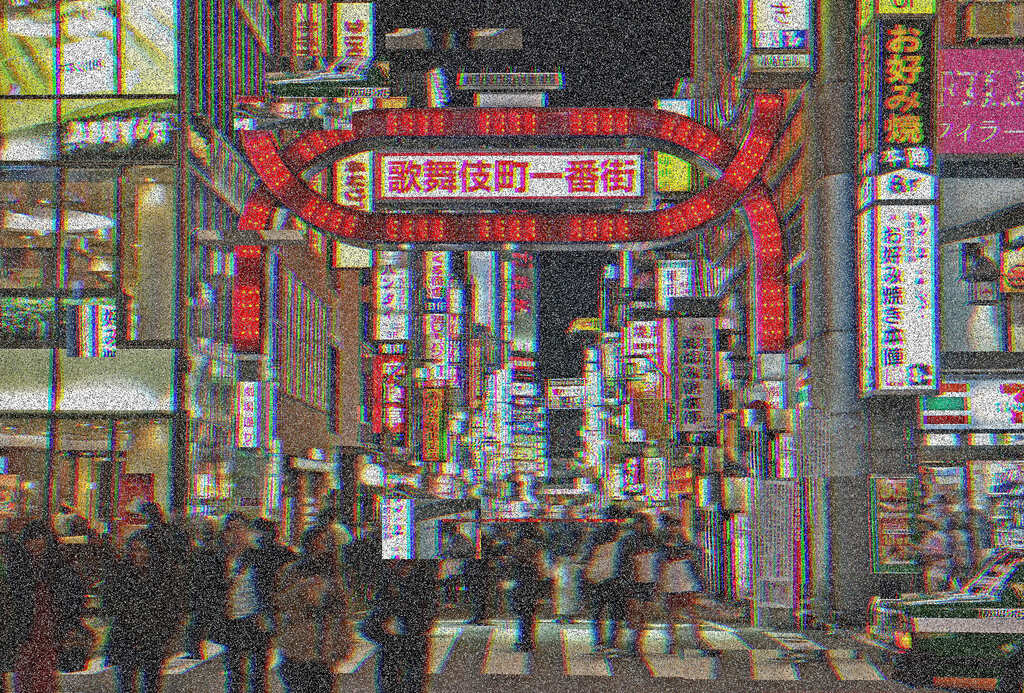
Glitch art grows out of digital display errors, distortions, and signal noise. What used to be “broken” is now a creative language in art, design, music videos, and social posts-often evoking futuristic, dystopian, or retro vibes.
This tool offers three classic looks: RGB Shift separates color channels for chromatic misalignment; Scan Lines mimics old CRT texture; Corruption simulates corrupted data with shifted strips and artifacts. Adjust intensity from subtle to extreme.
Upload an image, preview combinations, and download as JPG or PNG—all in your browser with no install. Whether you design for a living or just experiment, you can turn everyday photos into bold glitch pieces in a few clicks.
Want a full walkthrough with examples? Read our tutorial: How to Turn Photos Into Glitch Art Online.