
Give your photos the look of an old-school CCD digital camera. This tool adds the warm yellow cast, soft low-resolution blur, grain, gentle overexposure, faded film color, and dark vignette that define the nostalgic 90s and 2000s point-and-shoot aesthetic. Everything runs locally in your browser, so your photos are never uploaded.
Turn Photos Into a Retro CCD Camera Style Online
Recreate that nostalgic 90s/00s digital camera look in seconds
Upload Your Photo
Upload your photo
(or drag and drop)
Classic CCD
Warm Yellow
Cool White
Vintage Film
Result

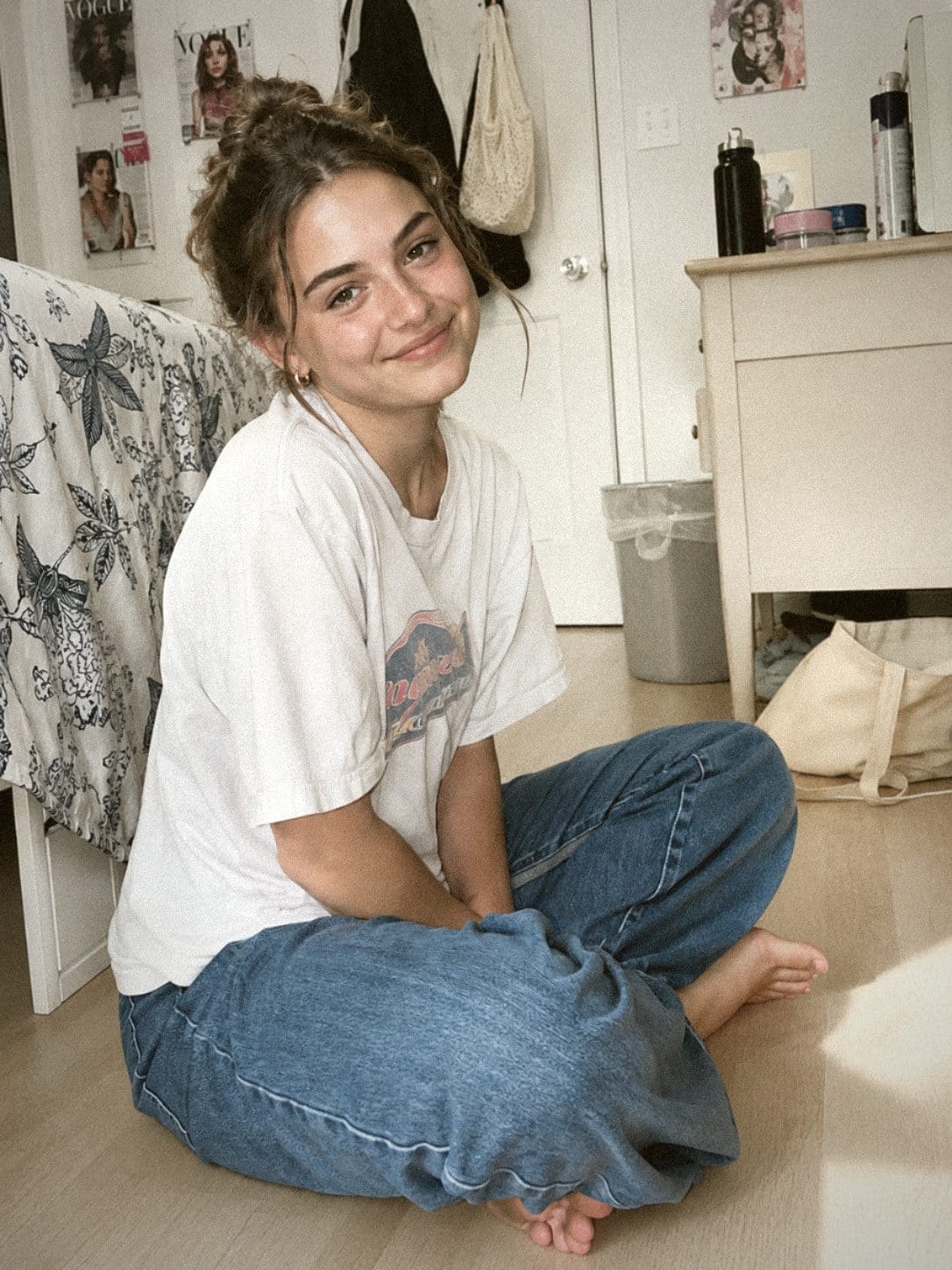
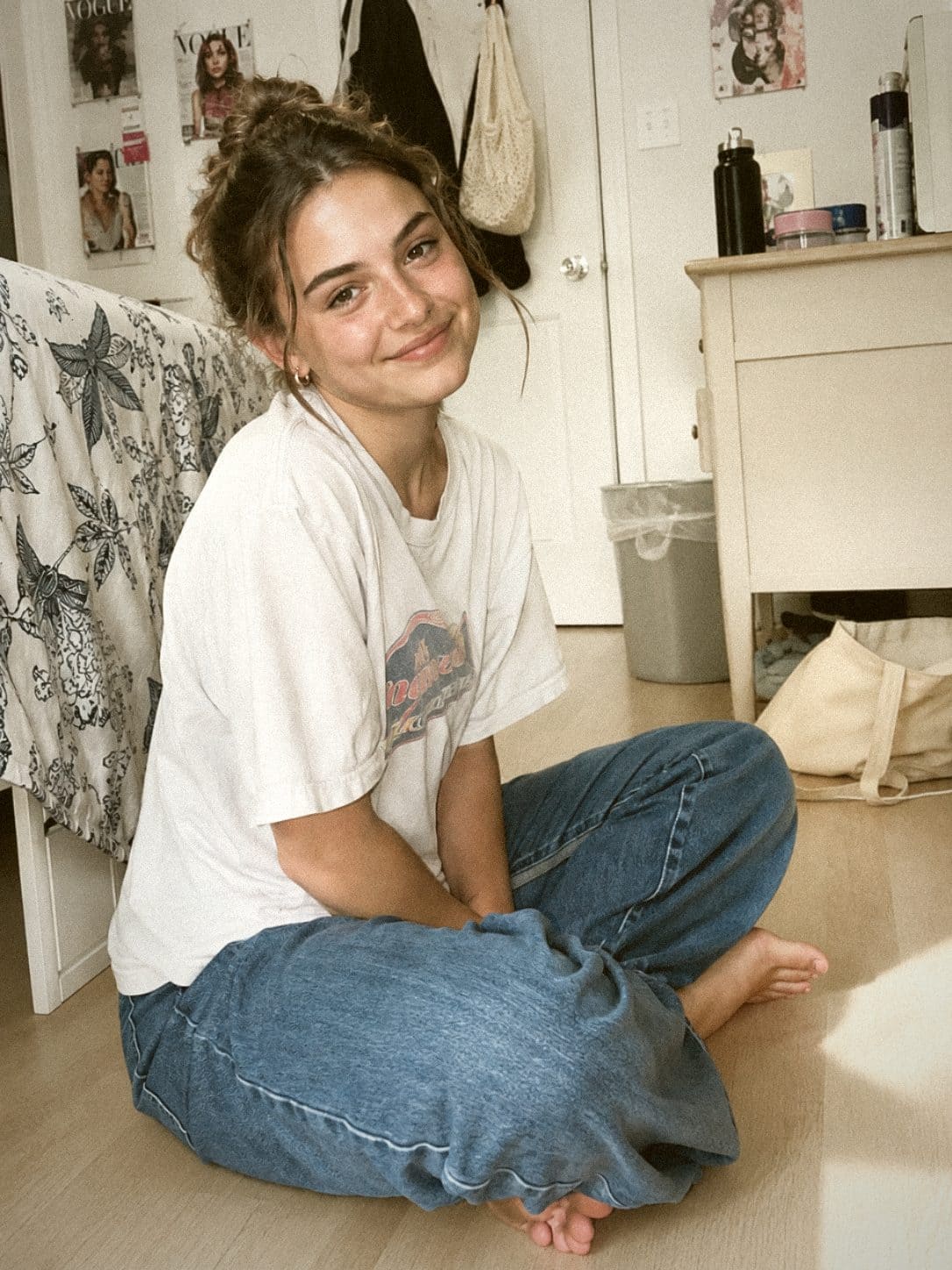
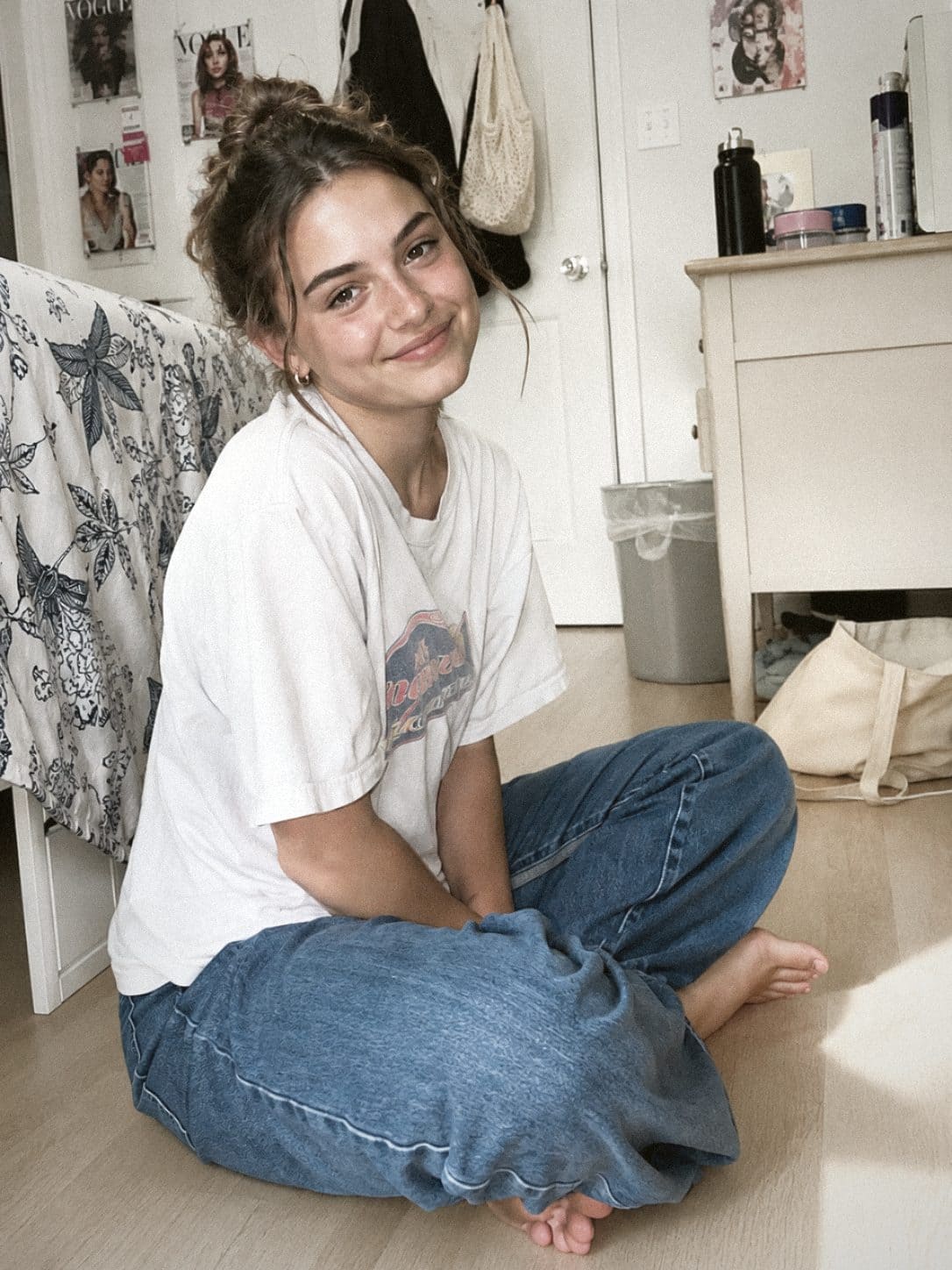
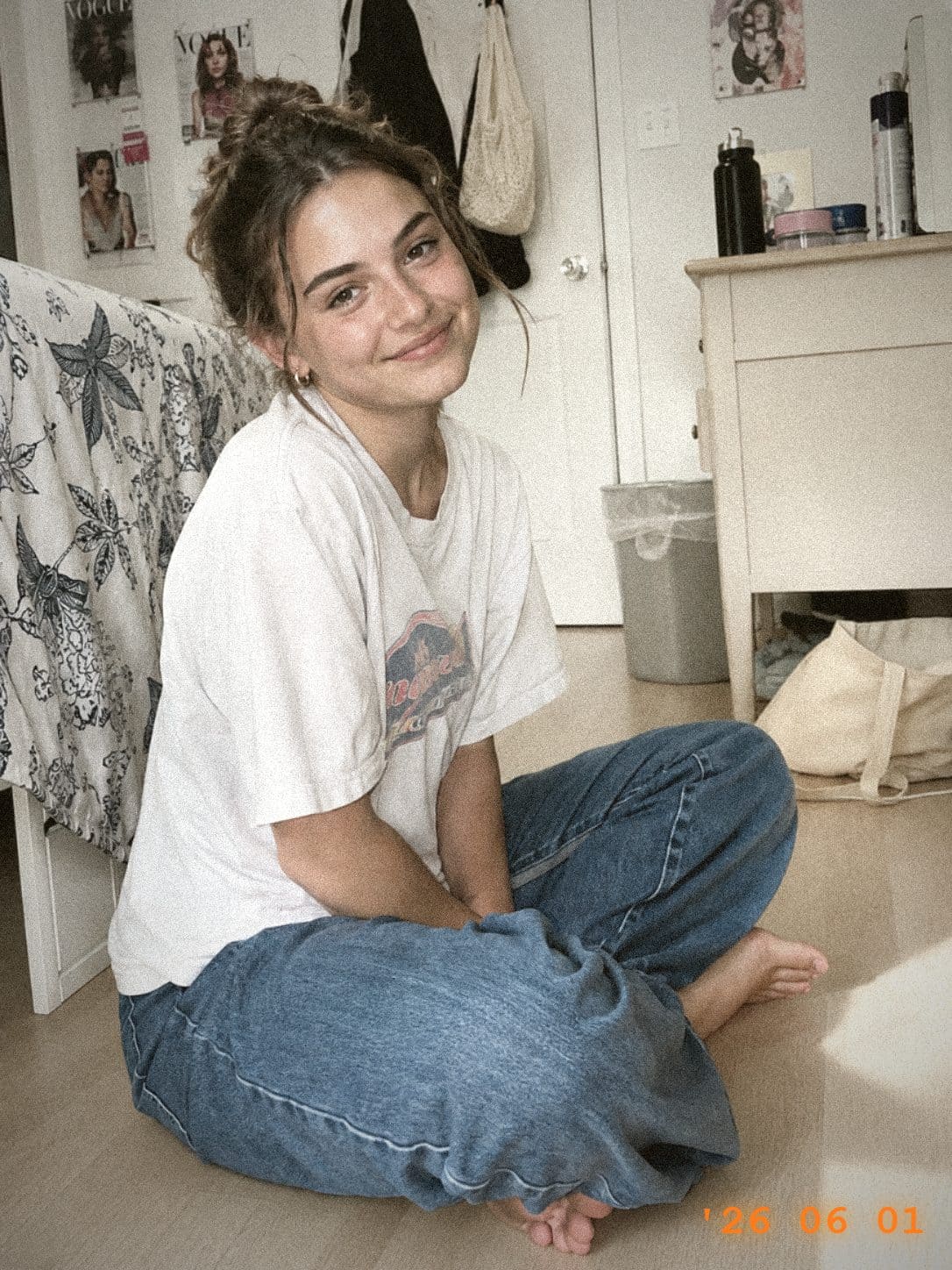
See It in Action: Before & After
Click any style below to load the original photo and its settings, then tweak and download your own version.

Other tools you may like
What Makes the CCD Look
- Soft, slightly blurry low-resolution look instead of crisp HD detail
- Visible grain and sensor noise across the whole frame
- Warm yellow color cast with cool, bright skin tones
- Highlights bloom and gently overexpose toward white
- Low saturation, muted retro film color grading
- Natural dark vignette and softened edges
How to Apply the CCD Style
- Upload a photo or drag and drop it into the box
- Pick a preset: Classic CCD, Warm Yellow, Cool White, or Vintage Film
- Fine-tune warm tone, faded color, soft glow, grain, blur, and vignette
- Optionally turn on the retro date stamp
- Click “Apply CCD Style” to render the effect
- Download your retro photo as a JPG
Tips for Best Results
- Brighter photos work best, since the CCD look leans on soft overexposure
- Increase grain and blur for a stronger, lower-quality vintage feel
- Lower the warm tone for a cooler, cool-white skin look
- Portraits and indoor flash shots match the CCD aesthetic well
- All processing happens locally in your browser—your photos are never uploaded