
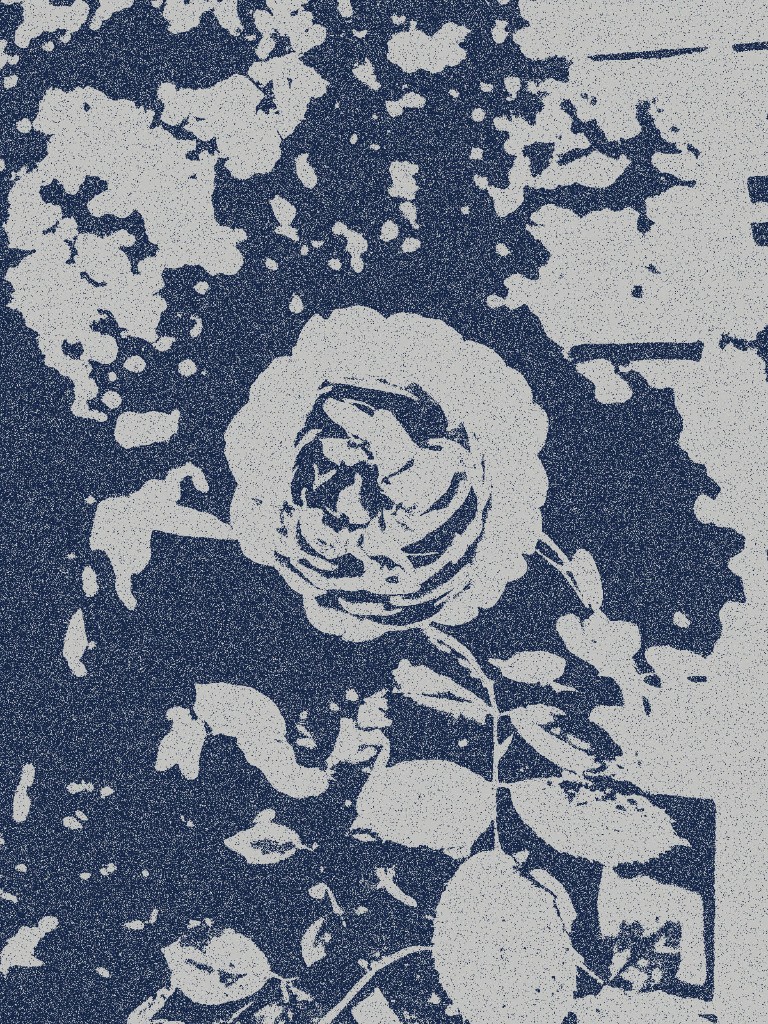
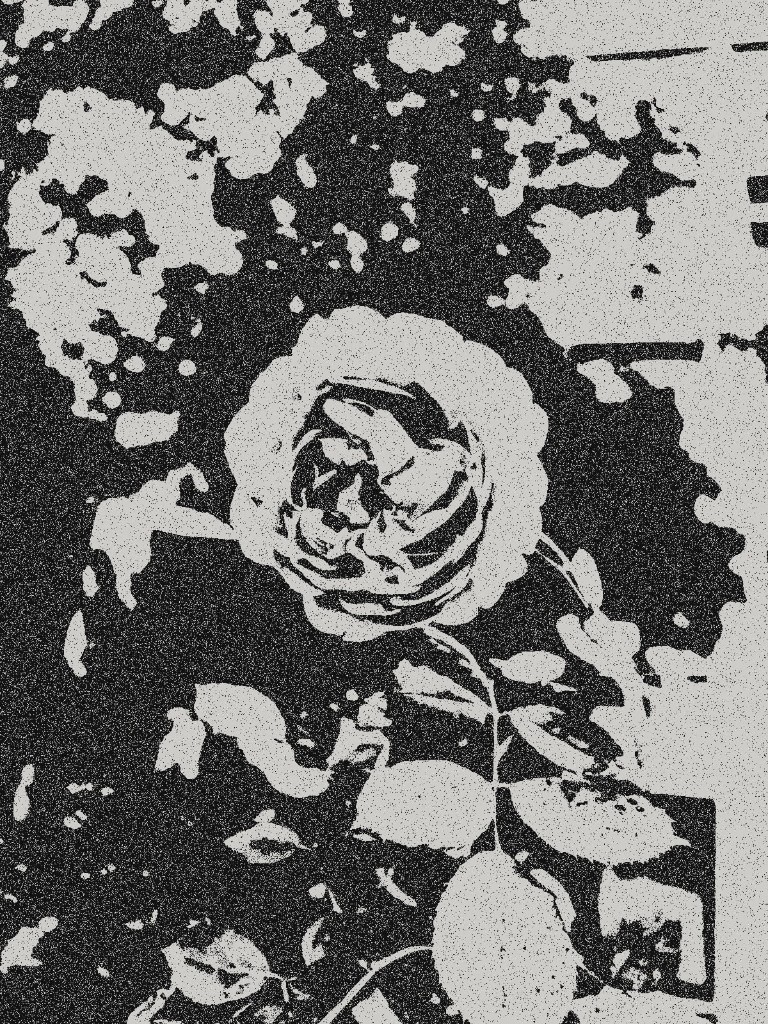
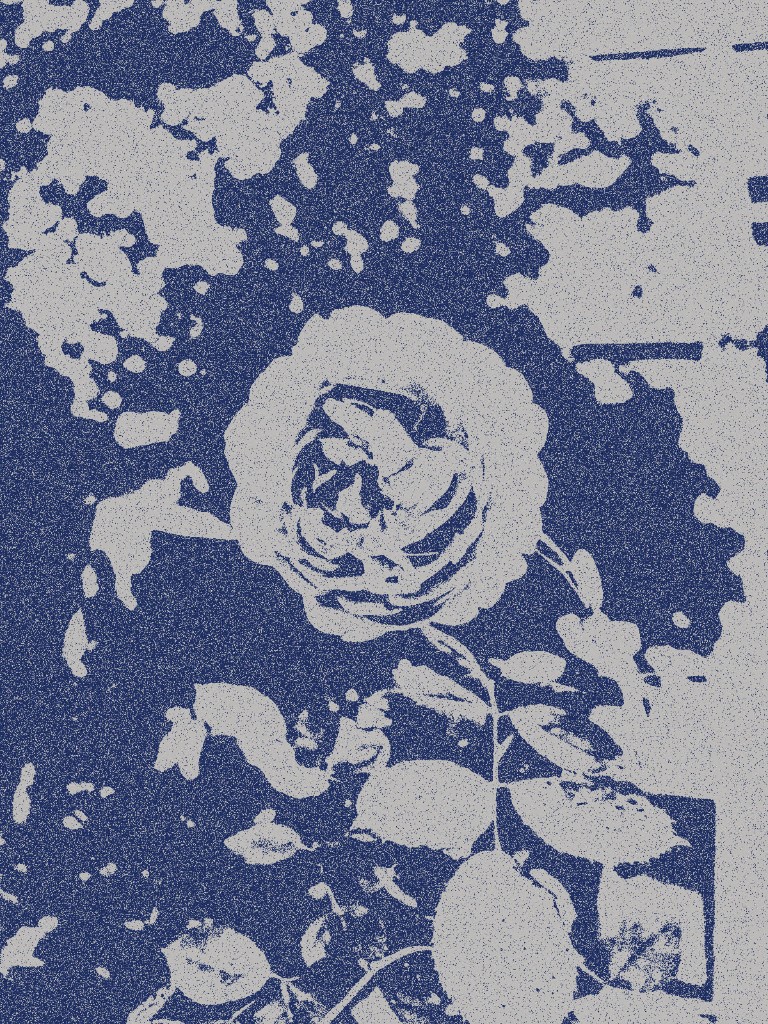
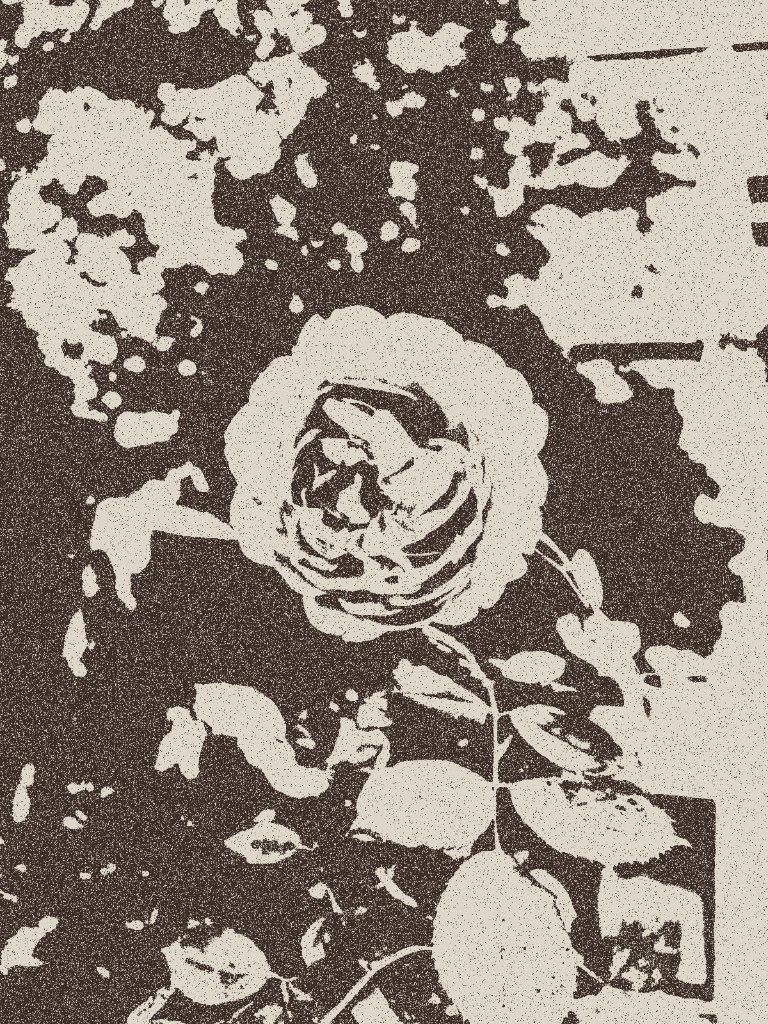
Transform your photos into the look of a traditional rubbing—high-contrast ink on textured paper, with grainy speckles, rough broken edges, and a worn, weathered finish. Inspired by stone rubbings and sketch-style printmaking, this tool maps your image to two-tone ink and paper colors. Everything runs locally in your browser; your photos are never uploaded.
Turn Photos Into a Rubbing Effect Style Online
Recreate traditional stone and paper rubbing textures in seconds
Upload Your Photo
Upload your photo
(or drag and drop)
Navy Blue
Black Ink
Indigo
Warm Stone
Result

Style Reference: Traditional Rubbing Texture
The rubbing effect mimics ink transferred from carved stone or wood onto paper—high contrast, speckled grain, and rough broken edges.
Other tools you may like
What Makes the Rubbing Look
- High-contrast two-tone ink on paper—no smooth mid-tones
- Grainy speckled texture inside ink areas, like uneven charcoal transfer
- Rough, jagged edges that mimic manual rubbing on carved surfaces
- Weathered gaps and missing ink for an aged, organic feel
- Four presets: navy blue, black ink, indigo, and warm stone
- Adjust threshold, contrast, texture, roughness, and wear
How to Apply the Rubbing Effect
- Upload a photo or drag and drop it into the box
- Pick a preset: Navy Blue, Black Ink, Indigo, or Warm Stone
- Fine-tune threshold, contrast, texture, roughness, and wear
- Click “Apply Rubbing Effect” to render the texture
- Preview the high-contrast rubbing finish in the result panel
- Download your rubbing-style image as a PNG
Tips for Best Results
- Clear, high-contrast photos with strong outlines work best
- Increase texture and wear for a more weathered stone-rubbing look
- Raise roughness to break up clean digital edges
- Line art, logos, portraits, and patterns all suit the rubbing style
- All processing happens locally in your browser—your photos are never uploaded