
How to Make GIF Memes Online
Create animated memes in minutes with a free GIF meme maker.
Published on: Jan 25, 2026
Why GIF Memes Work
GIF memes are short, looped animations that feel more alive than static images. They are perfect for reactions, quick jokes, and social posts. With an online GIF meme maker, you can create animated memes without design skills.
Ready to build your first GIF meme?
Open the GIF Meme MakerStep-by-Step: Make a GIF Meme
Step 1: Prepare a Short Image Sequence
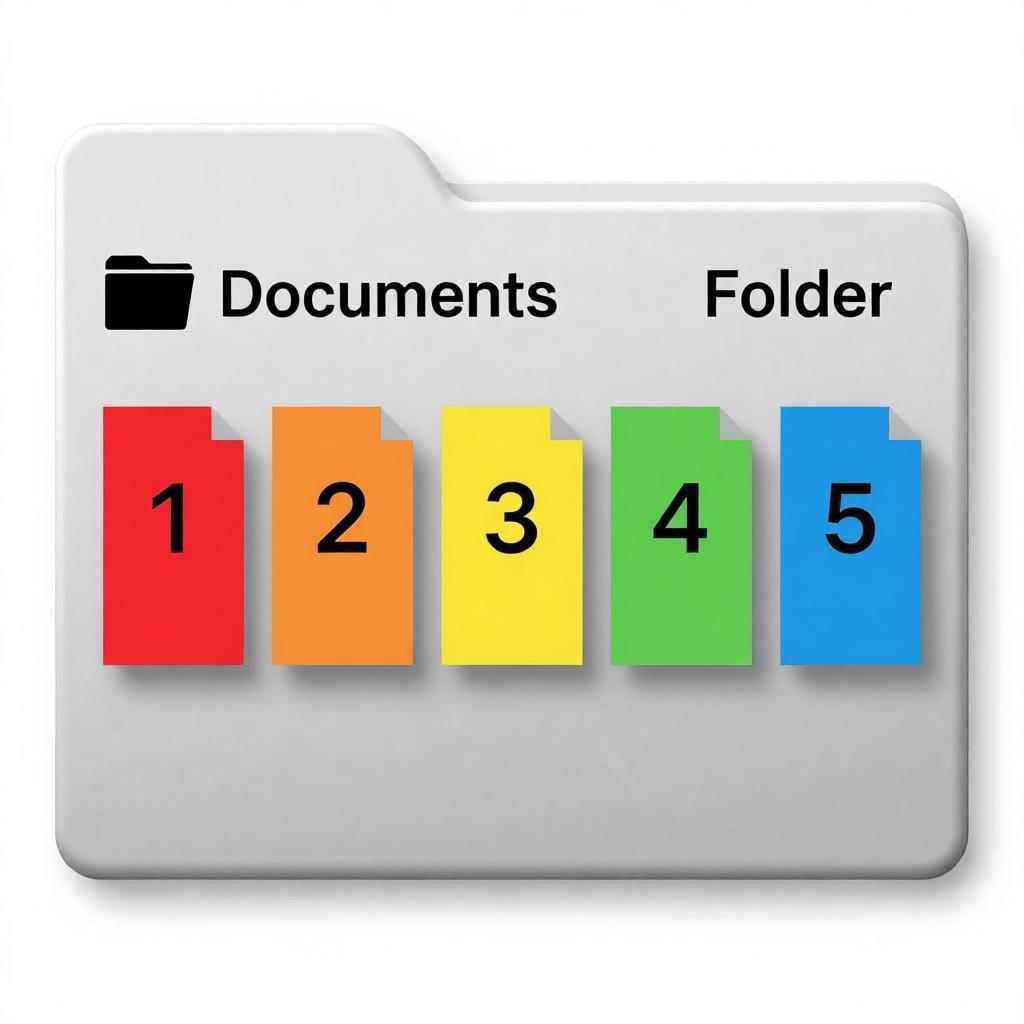
Our GIF Meme Maker turns a set of images into an animation. Choose 2 or more images with the same size so the frames align.
Step 2: Upload Your Images
Drag and drop your images into the tool. The order matters, so keep your frames in sequence.
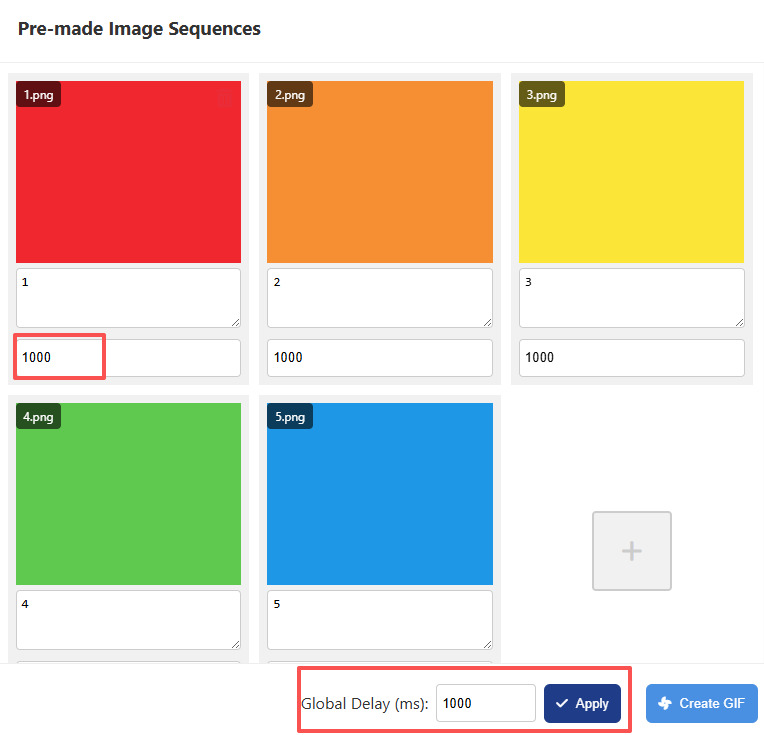
Step 3: Set the Timing
Adjust the global delay to control how fast the animation plays. Short delays feel energetic; longer delays feel more dramatic. You can set the timing for each frame individually, or set one timing for all frames at once.
Step 4: Create and Download
Click "Create GIF" to render the animation, then download your finished GIF meme.

Quick Tips for Better GIF Memes
- Use images with the same width and height.
- Keep each frame visually simple so the joke reads fast.
- Test two or three delay values before downloading.
- Use short, punchy captions if you add text to frames.
Tip: If you need frames, you can extract them from a video using Video Frame Extractor or from an existing GIF using GIF Frame Extractor.
Conclusion
Making GIF memes online is fast and fun when you have the right tool. Try different frame orders and delays, and you will quickly find a style that fits your joke.
Start creating animated memes today.
Make a GIF Meme Now