
How to Make a Low Quality Image Online
Sometimes you want a picture to look worse on purpose. Whether it is for a meme, a shitpost edit, a retro aesthetic, or a quick file-size test, knowing how to make a low quality image is surprisingly handy. This guide explains what "low quality" really means, then shows you how to make an image low quality—including animated GIFs—using ROCKIMG's free Low Quality Image Maker right in your browser.
Published on: May 30, 2026
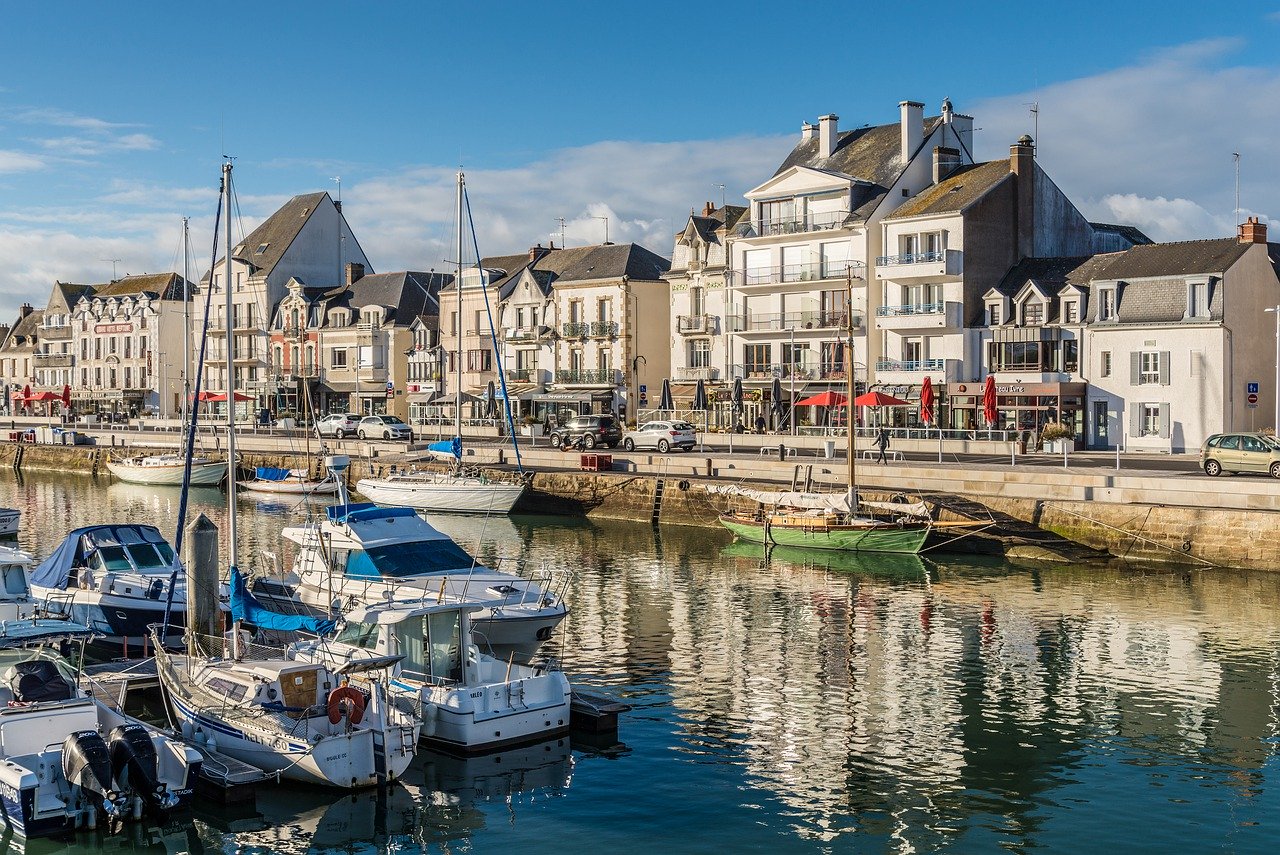
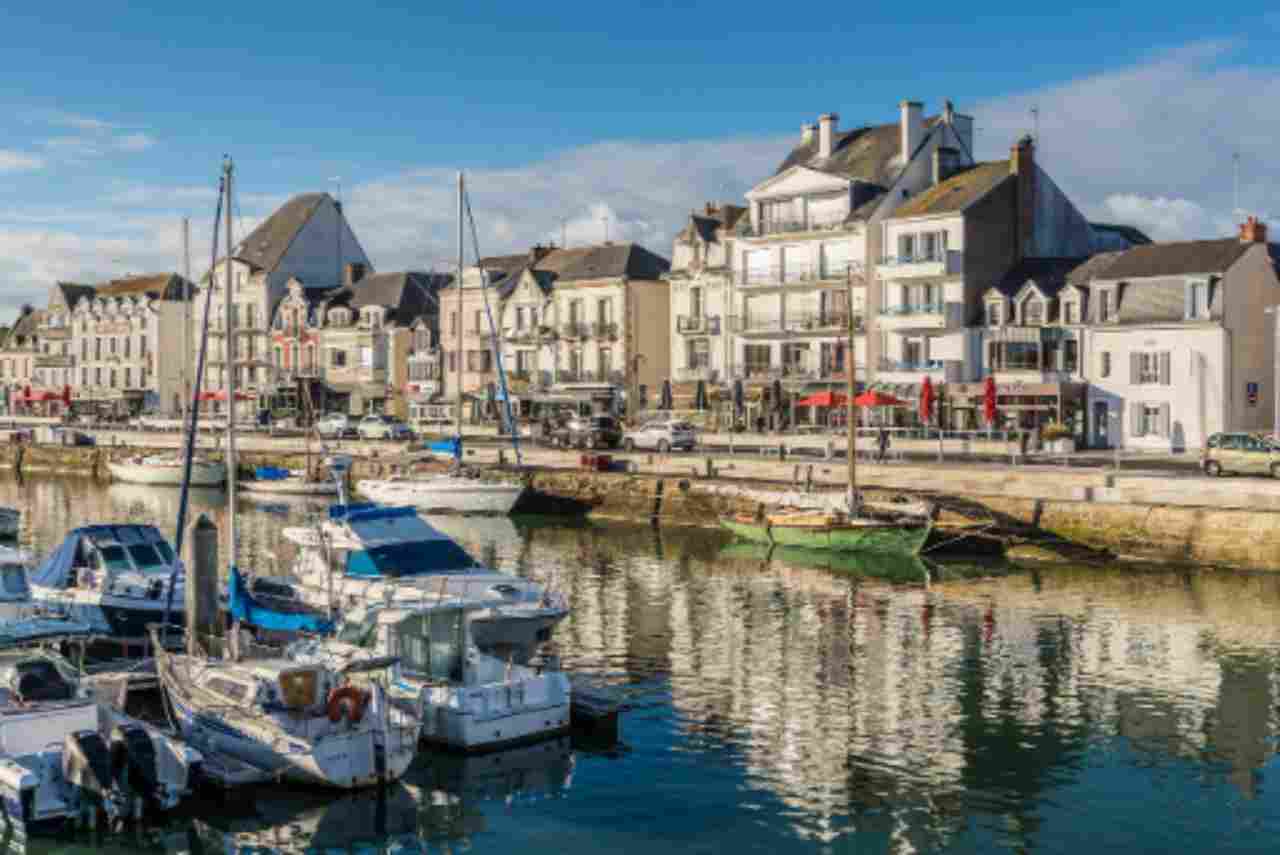
Want to try it right now on your own photo?
Open the Low Quality Image MakerWhy make a low quality image on purpose?
It sounds backwards, but a deliberately bad image is a creative and practical tool. People make an image low quality for plenty of reasons:
- Memes and shitposts: the over-compressed, crunchy "deep-fried" look is a whole genre of internet humor.
- Retro and lo-fi aesthetics: grainy, pixelated visuals evoke early webcams, old phones, and 2000s-era JPEGs.
- Testing and development: developers need tiny, ugly files to test how an app, uploader, or layout handles low-resolution images.
- Simulating slow connections: preview what a thumbnail looks like when bandwidth is limited and quality is cranked down.
- Art and contrast: pairing a degraded image next to a clean one makes a strong visual statement.
What "low quality" actually means
A low quality image is usually the result of two separate things working together. Understanding them helps you control the look instead of guessing:
1. Compression
JPEG compression throws away image data to shrink the file. Push it far enough and you get the classic blocky artifacts, color banding, and "mosquito noise" around edges. Heavy compression is the fastest way to make an image low quality while keeping the same dimensions.
2. Resolution
Resolution is how many pixels the image actually contains. Shrinking an image and then stretching it back up forces the browser to invent missing detail, which produces a soft blur or—if you disable smoothing—hard, chunky pixels. Lower resolution is what gives a low quality image that unmistakable "potato" feel.
The Low Quality Image Maker gives you a slider for each, so you can dial in anything from "slightly rough" to "completely destroyed."
How to make a low quality image online (step by step)
Here is the full workflow on low-quality-image-maker.html—no installs, no sign-up, and nothing leaves your device.
Step 1: Upload your image
Drag and drop a file onto the upload area, or click to select one. JPG, PNG, WebP, BMP, and animated GIF are all supported.
Step 2: Lower the Quality slider
Drop the Quality value to add heavier JPEG-style compression. Around 10–20% gives you that crunchy, artifact-heavy meme look; higher values keep things a little more presentable.
Step 3: Lower the Resolution slider
Reduce the Resolution to shrink the picture internally before it is scaled back to its original size. The lower you go, the blurrier and blockier the result—this is the core of how you make an image low quality.
Step 4: Toggle Pixelate (optional)
Turn on Pixelate if you want hard, blocky edges instead of a soft blur. It is perfect for a retro, 8-bit-ish vibe or an exaggerated "censored thumbnail" effect.
Step 5: Make it low quality and download
Click Make Low Quality, check the preview on the right, and download your result. Static photos come back as a compressed JPG, while GIFs stay animated.
Tip: Quality and Resolution stack. For the most destroyed "deep-fried" image, push both sliders low and enable Pixelate. For a subtle lo-fi vibe, lower just one of them a little.
How to make a low quality GIF
Animated GIFs work the same way. The tool decodes every frame, degrades each one with your chosen Quality and Resolution settings, and re-encodes a new GIF that keeps moving—just rougher. A low quality GIF is great for crunchy reaction memes or shrinking a chunky animation down to a smaller, grainier file. Because larger GIFs have many frames, give the render a few seconds to finish.
Tips for the perfect deep-fried look
- Start strong: set Quality near the minimum, then ease it back up until the artifacts look right.
- Combine with grain from Add Noise for an extra gritty, over-processed texture.
- For a clean retro game style instead of a messy meme, lean on Resolution + Pixelate rather than crushing compression alone.
- Keep your original file. It is easy to make an image low quality, but you cannot recover the detail afterward.
- Going for a pixel-art finish? Try the dedicated Image to Pixel Art tool for a cleaner, tile-based result.
Crush a photo or GIF into a low quality image—free, in your browser.
Open the Low Quality Image Maker